Untitled
- learning to learn
- design
- vibes
- development
- prototyping
An update on my workflow for making content LLMs as a solo creator.
Phase 1 Design Direction & Tokens
I started in a canvas tool, pulling in screenshots from interfaces I admired things like post.cv and using that as the raw material to establish a visual direction. Rather than going through a traditional brand exercise, I used this as a way to let AI help me quickly generate design tokens: typography, color, spacing. The goal was to get something opinionated fast.
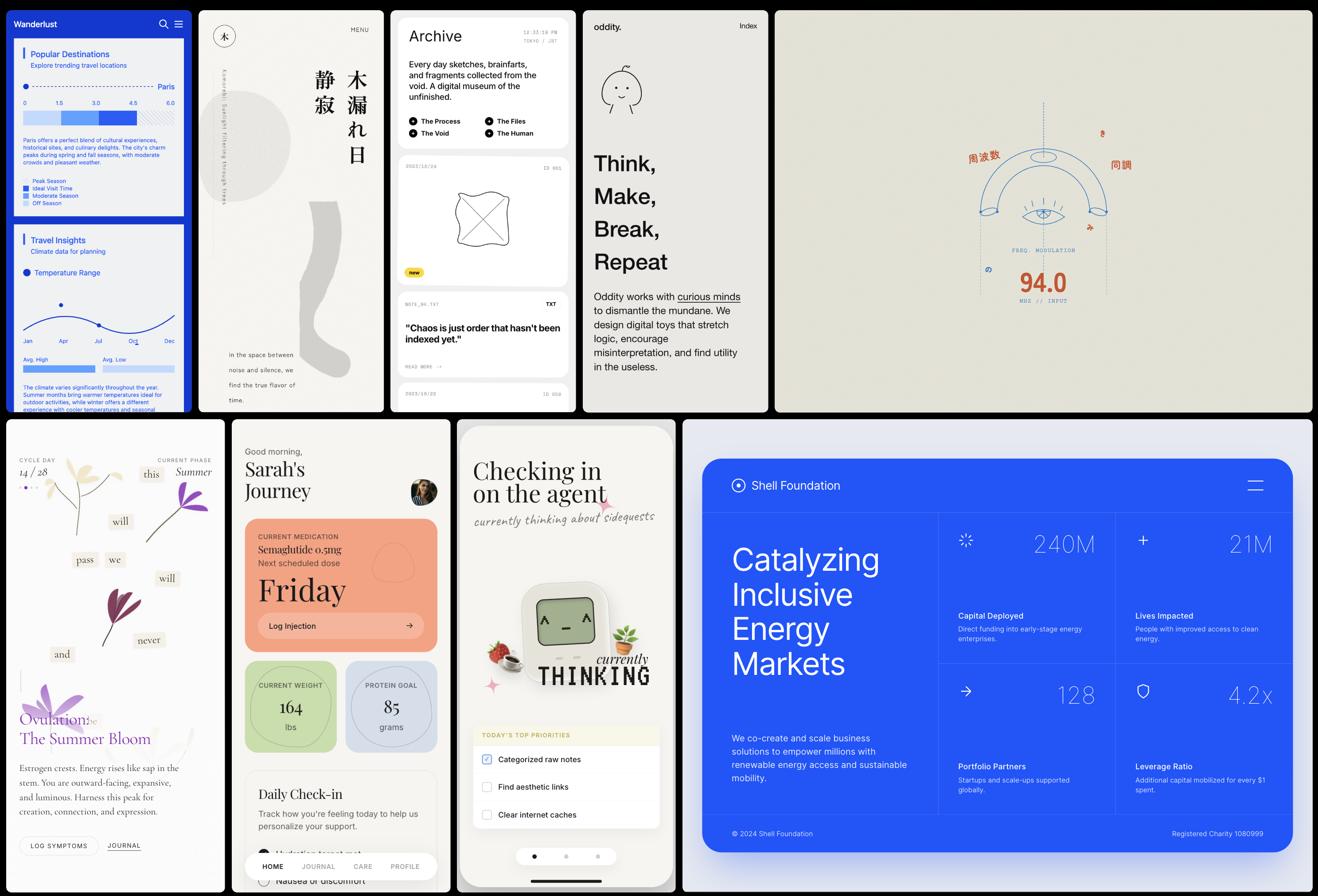
[I use any canvas for this, like sketch, muse, tl;draw, etc]
This starts as screen grabs with Cleanshot screen , and recently have been seeing how good Claude is at pulling tokens from these,too. It still has off moments, but it's clear that within a few months, this will be killer and I won't need to spend so much time tweaking the token values.
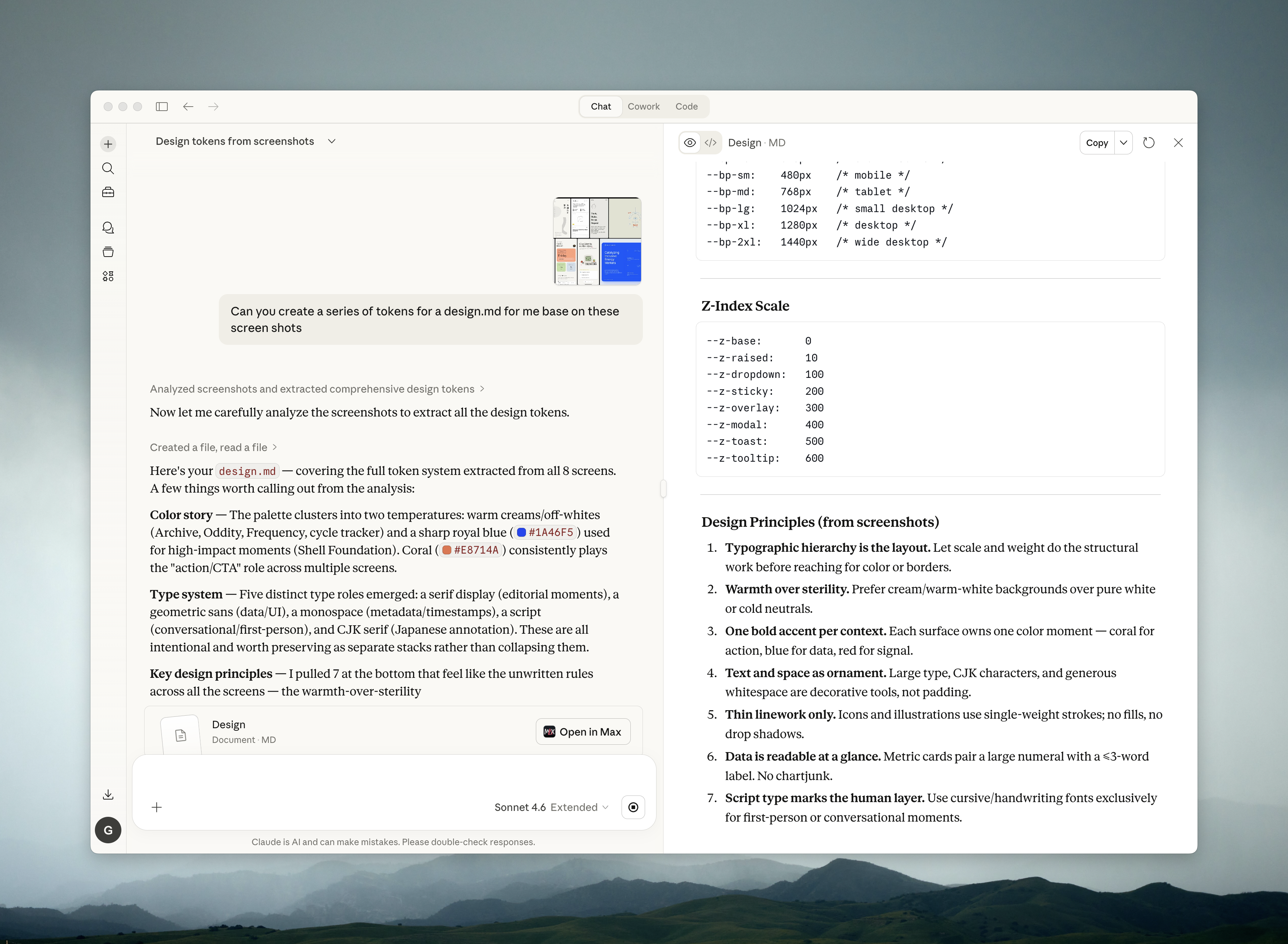
Phase 2 Handing Off to Cursor
Once I had tokens, I moved into Cursor. This phase was less about visual style and more about the structure, information hierarchy, architecture, and how the pieces fit together. I wrote a prompt that laid out what I wanted the app to do and what constraints I cared about, then let it take a first pass as a one-shot with mock data via planmode.
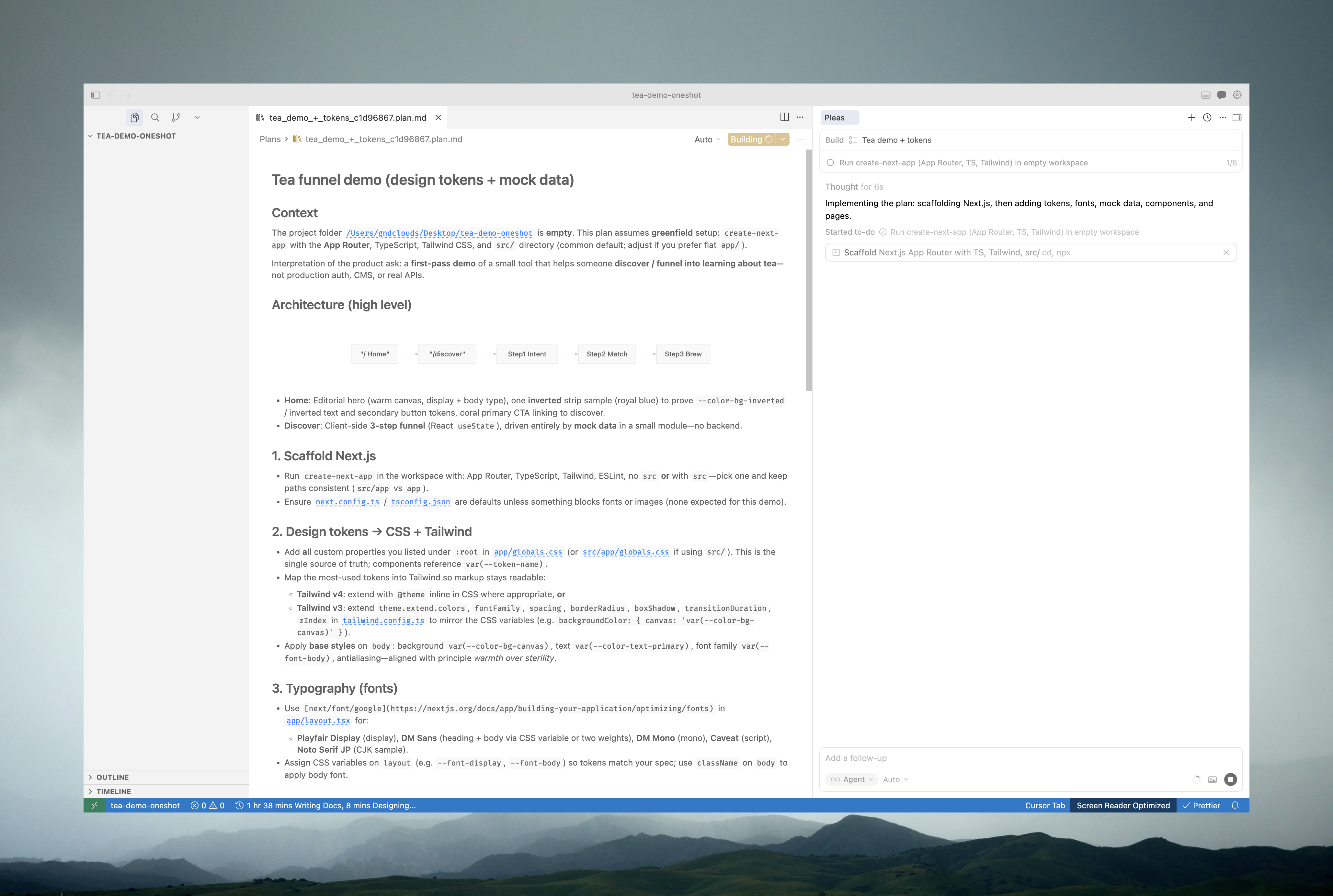
[I have been switching from json and design.md and dont have a strong vibe yet on which I prefer]
Phase 3 Tuning
This is where I learned the most. LLMs are good at getting you 80% there quickly, but consistency is where things fall apart. I had to be explicit about: when to reuse existing components vs. create new ones, whether it was applying tokens correctly, and where the information hierarchy was drifting. Usability tuning first, then content tuning. Does the app actually surface what I wanted it to surface? For example, the copy still feels like Lorem Ipsum to me.
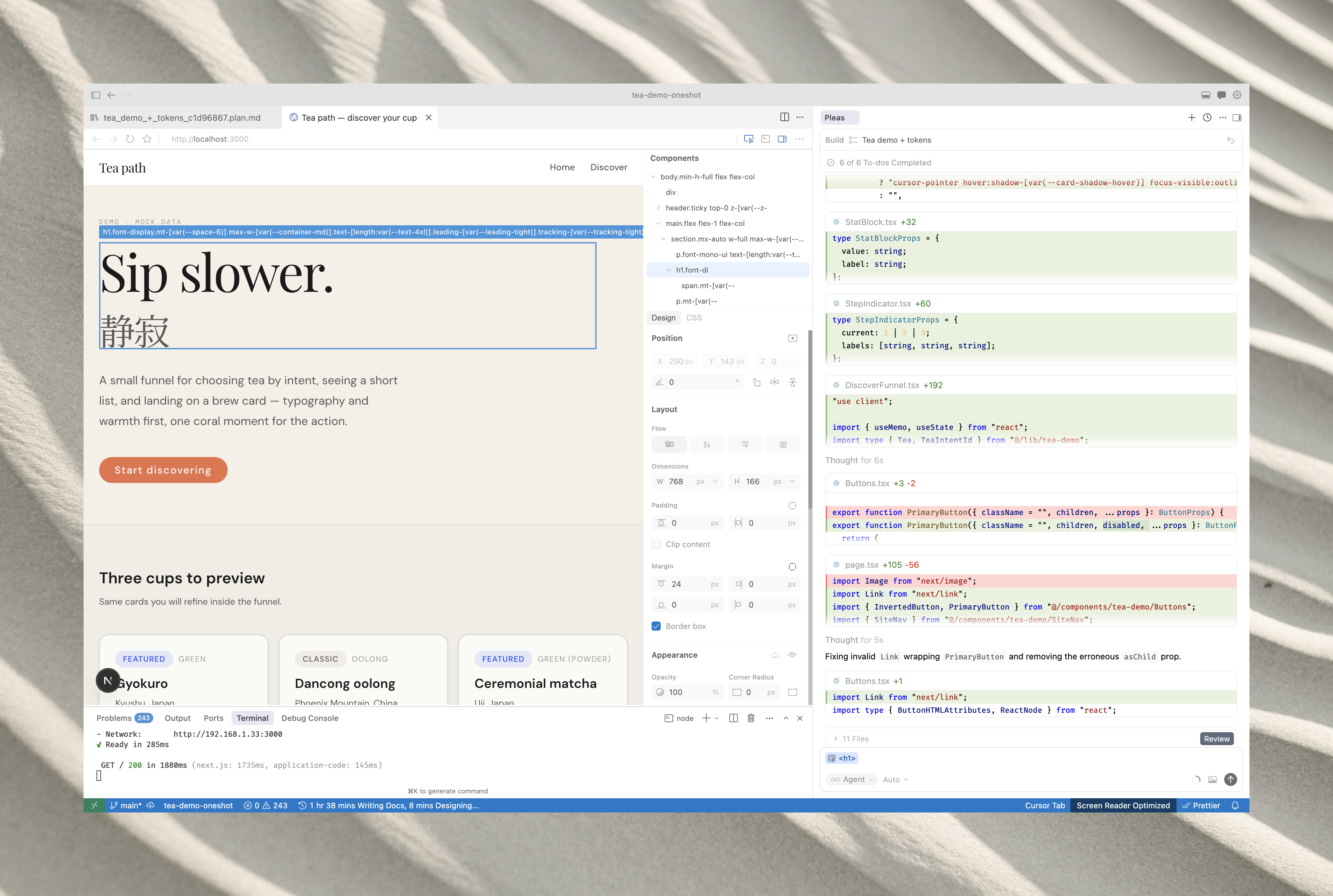
[For me the copy tends to be some of the latest set of things to fix these days ]
Phase 4 Real-World Testing
I went through adding teas I actually own and care about. Rather than generating mock feed data, I used real objects to test the prompting and catalog entries. This gave me a much more useful signal about where the app was working and where it needed adjustment.
The Result
About six hours in, I had something production-ready enough to share with friends who are also into tea. The goal now is to collect feedback on what features would actually be useful, and to have something worth showing at a Strange gathering this Friday.
The bigger takeaway: the constraint of a single day forced good decisions. The AI tools didn't remove the craft, they compressed the feedback loops enough that I could stay in a design-thinking mode rather than getting stuck in implementation details.
The project that resulted is Motto Ocha